
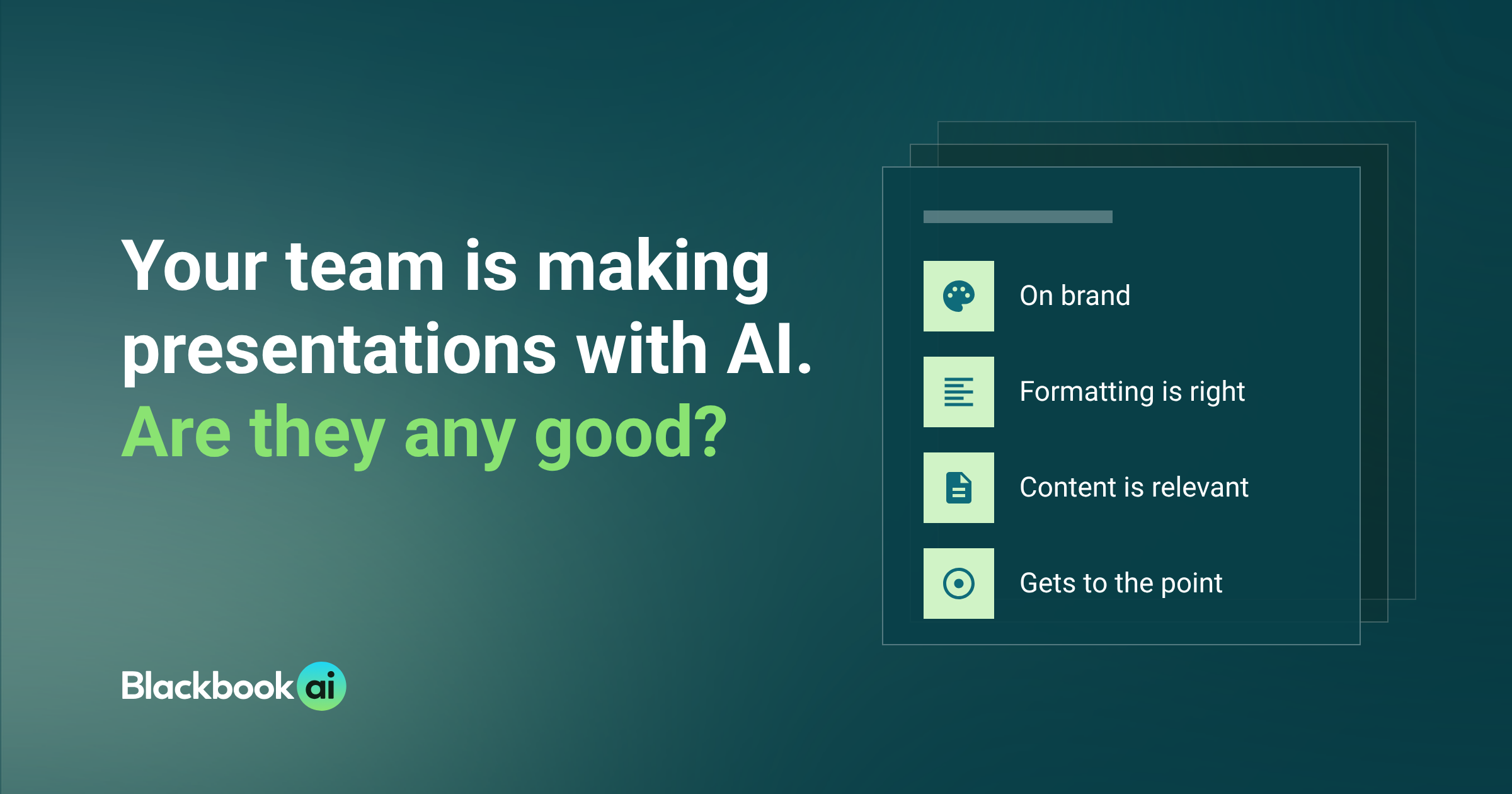
Your team is making presentations with AI. Are they any good?

Using Copilot or ChatGPT to build presentations? Four questions to check if your AI decks are on brand, and how to set your tools up properly.
By
Blackbook AI
Published on
November 25, 2026
Reading time
Read time
Last updated
November 26, 2026

Over the past year, a lot of organisations have changed how they make presentations. Instead of opening Canva or a PowerPoint template, people ask Copilot, ChatGPT or Claude for a draft and work from there. It's quicker, and for plenty of everyday decks the results are pretty decent.

A decent draft still has to get from the screen to a client, though, and that's where things often come unstuck.

Four questions worth asking

Pull up the last few presentations your team made with an AI tool and look at them with fresh eyes.

Does it look like your organisation?

Check the colours, fonts, logo and layout against your brand guidelines. AI tools are good at getting close. Close usually means a blue that's a shade off, a default font, or last year's logo.

Is the formatting right?

If someone had to move text boxes around, fix the spacing or copy slides into the proper template before it went out, the tool saved less time than it seemed.

Is the content relevant?

An AI tool can only use what it can see. If it can't reach your case studies, your figures and your past work, it fills the gaps with general material that could apply to anyone. Keep an eye out for numbers nobody can find a source for.

Does it get to the point?

AI tends to write long. A 25-slide deck that could have been eight makes the reader work hard to find what you're asking of them.

If all four come back fine, great. If some don't, it usually comes down to how the tools were set up.

What it costs when the setup is missing

Most AI tools were rolled out with licences and logins sorted, and not much else. Nobody gave them the brand guidelines, the approved templates or access to the right content. So they make their best guess, and someone on the team cleans up afterwards.

That clean-up adds up. Workday surveyed 3,200 employees earlier this year and found close to 40% of the time people save with AI is spent fixing what it produces. With presentations, a lot of that is reformatting and rebuilding slides.

It lands on other people too. Internal comms and marketing teams end up sending back decks with the wrong colours and old logos, sometimes more than once. That's frustrating for them, and for the person who thought they'd finished.

Then there's whoever has to read it. Researchers at Stanford and BetterUp came up with the word workslop for AI output that looks polished but doesn't move the work forward, and slide decks were one of the most common examples. People in their study said they spent close to two hours dealing with each one.

Setting it up properly

The good news is that most of the groundwork already exists. Your brand guidelines set out how your organisation should look and sound, and they're the foundation for all of this. The job is getting them into the tools your team uses, in a form those tools can follow.

  1. Start with the template. AI tools work best when the template is built on the slide master with proper placeholders. If your template relies on text boxes drawn onto individual slides, the AI has nothing to fill and tends to improvise. It also helps to settle on one main template instead of keeping several versions in circulation.
  2. Turn the guidelines into instructions. Go through your brand guidelines and pull out the rules that matter most for presentations, such as colours, fonts, logo use, tone and how headlines are written. Write them as short, plain instructions, then save them where the tool reads them every time. In Copilot that's a brand kit. Claude and ChatGPT both let you save instructions to a project.
  3. Set some limits. Decide roughly how long each type of deck should be. A capability deck might be ten slides, one idea per slide, with the key ask up front. It sounds simple, and it makes a noticeable difference to how the finished deck reads.
  4. Connect the right content. Point the tool at an approved library, like a SharePoint folder with current case studies and checked figures. Be clear with staff about what shouldn't go into a prompt, especially client and personal information. This matters for security as well. Salesforce and YouGov found in May that 56% of Australians who use AI at work are using tools their employer hasn't provided or approved.

None of this needs to be a big project. It's a one-off piece of work, and it pays off every time someone on the team builds a deck.

Want a hand?

Blackbook AI helps organisations set up the AI tools they already use, so presentations come out on brand, properly formatted and focused on what matters to the audience. If you'd like to talk through where your setup is at, get in touch with the team.


‍

Over the past year, a lot of organisations have changed how they make presentations. Instead of opening Canva or a PowerPoint template, people ask Copilot, ChatGPT or Claude for a draft and work from there. It's quicker, and for plenty of everyday decks the results are pretty decent.

A decent draft still has to get from the screen to a client, though, and that's where things often come unstuck.

Four questions worth asking

Pull up the last few presentations your team made with an AI tool and look at them with fresh eyes.

Does it look like your organisation?

Check the colours, fonts, logo and layout against your brand guidelines. AI tools are good at getting close. Close usually means a blue that's a shade off, a default font, or last year's logo.

Is the formatting right?

If someone had to move text boxes around, fix the spacing or copy slides into the proper template before it went out, the tool saved less time than it seemed.

Is the content relevant?

An AI tool can only use what it can see. If it can't reach your case studies, your figures and your past work, it fills the gaps with general material that could apply to anyone. Keep an eye out for numbers nobody can find a source for.

Does it get to the point?

AI tends to write long. A 25-slide deck that could have been eight makes the reader work hard to find what you're asking of them.

If all four come back fine, great. If some don't, it usually comes down to how the tools were set up.

What it costs when the setup is missing

Most AI tools were rolled out with licences and logins sorted, and not much else. Nobody gave them the brand guidelines, the approved templates or access to the right content. So they make their best guess, and someone on the team cleans up afterwards.

That clean-up adds up. Workday surveyed 3,200 employees earlier this year and found close to 40% of the time people save with AI is spent fixing what it produces. With presentations, a lot of that is reformatting and rebuilding slides.

It lands on other people too. Internal comms and marketing teams end up sending back decks with the wrong colours and old logos, sometimes more than once. That's frustrating for them, and for the person who thought they'd finished.

Then there's whoever has to read it. Researchers at Stanford and BetterUp came up with the word workslop for AI output that looks polished but doesn't move the work forward, and slide decks were one of the most common examples. People in their study said they spent close to two hours dealing with each one.

Setting it up properly

The good news is that most of the groundwork already exists. Your brand guidelines set out how your organisation should look and sound, and they're the foundation for all of this. The job is getting them into the tools your team uses, in a form those tools can follow.

  1. Start with the template. AI tools work best when the template is built on the slide master with proper placeholders. If your template relies on text boxes drawn onto individual slides, the AI has nothing to fill and tends to improvise. It also helps to settle on one main template instead of keeping several versions in circulation.
  2. Turn the guidelines into instructions. Go through your brand guidelines and pull out the rules that matter most for presentations, such as colours, fonts, logo use, tone and how headlines are written. Write them as short, plain instructions, then save them where the tool reads them every time. In Copilot that's a brand kit. Claude and ChatGPT both let you save instructions to a project.
  3. Set some limits. Decide roughly how long each type of deck should be. A capability deck might be ten slides, one idea per slide, with the key ask up front. It sounds simple, and it makes a noticeable difference to how the finished deck reads.
  4. Connect the right content. Point the tool at an approved library, like a SharePoint folder with current case studies and checked figures. Be clear with staff about what shouldn't go into a prompt, especially client and personal information. This matters for security as well. Salesforce and YouGov found in May that 56% of Australians who use AI at work are using tools their employer hasn't provided or approved.

None of this needs to be a big project. It's a one-off piece of work, and it pays off every time someone on the team builds a deck.

Want a hand?

Blackbook AI helps organisations set up the AI tools they already use, so presentations come out on brand, properly formatted and focused on what matters to the audience. If you'd like to talk through where your setup is at, get in touch with the team.

‍